
Managing visitors at one office is already a lot. Managing visitors across 10, 50, or 200 locations is a completely different challenge.
At that point, visitor management is not just about replacing a paper sign-in sheet. The best multi-location visitor management software should help you:
- Manage all sites from one central dashboard
- Let each location use its own visitor flows and rules
- Keep visitor records accurate and easy to export
- Support ID checks, badges, forms, and host notifications
- Give security and workplace teams real-time visibility
- Scale without creating extra admin work at every branch
In this guide, you’ll find six of the best multi-location visitor management systems available today:
- Entry2Exit: Best for UAE-based multi-branch visitor management.
- Archie: Best for automated visitor management across offices.
- Eptura Visitor: Best for regulated enterprises with complex workflows.
- Vizitor: Best for multi-location companies seeking flexible and affordable visitor management.
- Envoy Visitors: Best for polished enterprise visitor experiences.
- Sine: Best for visitor and contractor compliance workflows.
- VisitorOS: Best for high-compliance sites with managed hardware.
1. Entry2Exit
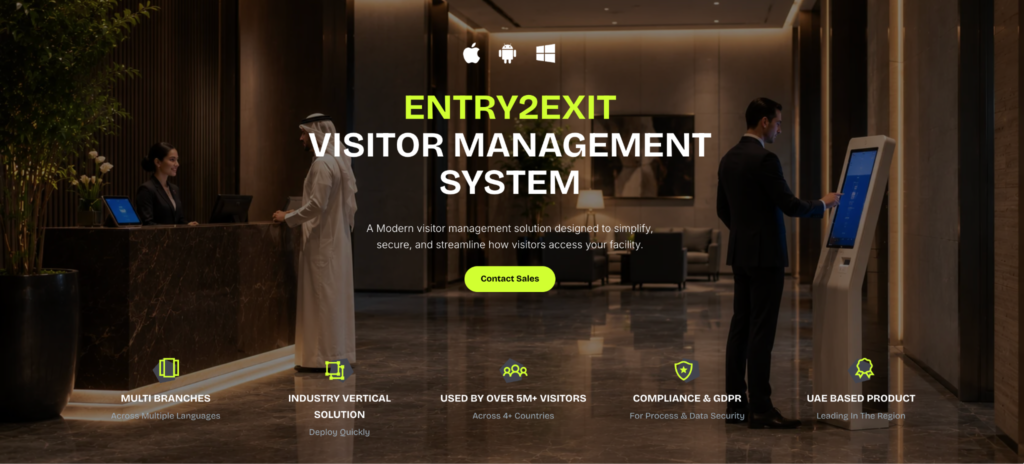
Entry2Exit is a UAE-based visitor management system designed for organizations that need secure, compliant, and highly customizable visitor operations across multiple branches.
What makes Entry2Exit visitor management system stand out is how closely it is built around regional business needs. It supports Emirates ID and passport scanning, Arabic language, WhatsApp notifications, on-ground GCC support, and deployment options that include cloud, private cloud, and on-premise setups.
For multi-location organizations, the biggest advantage is the multi-branch structure. A company can manage many branches under one Global Administrator or HQ account. This gives the main admin a central view of visitor activity across all branches, while local admins can manage their own site-level activity.
Entry2Exit is also strong on visitor data accuracy. Instead of relying on reception teams or security guards to manually type visitor details, the system can capture information from National ID’s, passports, or other supported IDs using a scanner, phone, or tablet camera. This helps reduce spelling mistakes and keeps visitor records much cleaner.
Best for
Entry2Exit is a strong fit for UAE-based companies with many branches, security teams, local compliance needs, and a preference for a customizable regional solution.
Key features
- National ID and passport scanning
- Automatic visitor ID data capture
- Multi-branch support
- Global administrator dashboard
- Arabic and multi-language support
- WhatsApp and email host notifications
- QR code and kiosk check-in
- Face recognition and liveness detection
- Emergency and evacuation dashboard
- Parking, queue, dock, and meeting room integrations
- Cloud, private cloud, and on-premise deployment
- 24/7 local support and onsite training
Pricing
Entry2Exit uses custom pricing rather than publicly listed plans. Contact Entry2Exit for a tailored quote.
Where it may not be the best fit
Entry2Exit is especially strong for the UAE market. If your company is mostly outside the region and does not need local ID scanning, Arabic support, or on-ground UAE support, a more global workplace platform may be easier to evaluate.
2. Archie
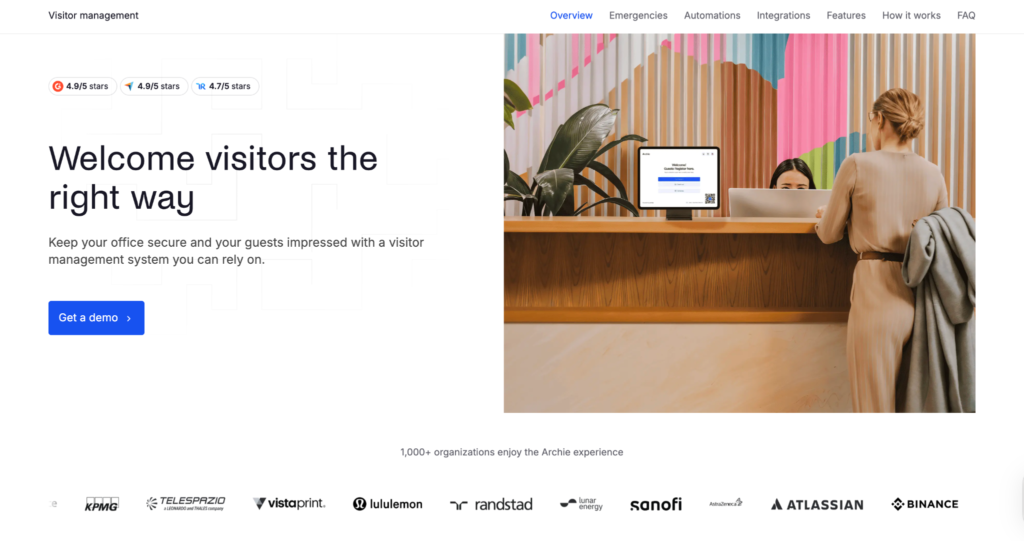
If you’re managing visitors across multiple offices and want to automate as much of the visitor journey as possible, Archie Visitors is one of the strongest options available.
Many visitor management platforms focus primarily on check-in. Archie takes a broader approach by helping you automate everything that happens before, during, and after a visit. From visitor invitations and QR code check-ins to host notifications, badge printing, digital forms, access control integrations, and emergency evacuations, the platform is designed to reduce the amount of manual work required from reception, workplace, HR, and facilities teams.
You can also create different visitor journeys for contractors, interview candidates, vendors, deliveries, VIP guests, and employees while maintaining centralized oversight across every office. Each location can have its own workflows, branding, visitor types, and permissions without losing visibility at the organizational level.
For organizations already using tools like Microsoft Teams, Outlook, Slack, Google Workspace, access control systems, or SSO providers, Archie fits naturally into existing workplace processes. Instead of creating another standalone system for employees to learn, it connects with the tools teams already use every day.
Another advantage for multi-location deployments is hardware flexibility. Archie supports both Android tablets and iPads, allowing organizations to standardize on existing hardware or choose the option that best fits each office.
Best for
Archie is best for medium and large offices that want to automate visitor workflows, reduce front-desk administration, and connect visitor management with the tools your teams already use.
Key features
- Multi-location and multi-tenant visitor management
- Guest pre-registration
- Contactless QR code check-in
- Custom visitor flows
- Digital forms, NDAs, and e-signatures
- Host notifications by email, SMS, Slack, and Microsoft Teams
- Badge printing and visitor photos
- Visitor logs and reporting
- Emergency alerts and roll calls
- Access control, Wi-Fi, SSO, and SCIM integrations
- iPad and Android tablet support
Pricing
Archie Visitors starts at $109 per location per month. The Pro plan is $185 per location per month and includes SSO and SCIM. Enterprise pricing is custom.
Where it may not be the best fit
Archie is a great fit for most modern offices, but if you need very advanced security screening, national ID verification, facial recognition, or heavy industrial compliance workflows, a more security-focused tool may be better.
3. Eptura

If your organization operates across dozens or hundreds of locations and visitor management is closely tied to security, compliance, and operational processes, Eptura Visitor is one of the strongest enterprise-focused platforms available.
Formerly known as Proxyclick, Eptura Visitor is designed for organizations that need more than standard visitor registration. The platform combines visitor management, identity verification, access control integrations, watchlist screening, audit trails, and workflow automation into a solution built for large-scale deployments.
One of Eptura Visitor’s biggest strengths is workflow customization. You can create different visitor journeys for guests, contractors, vendors, interview candidates, deliveries, and other visitor types. Different locations can also have their own requirements, forms, approvals, notifications, and security steps while still being managed under a centralized administration framework.
Eptura Visitor also benefits from being part of the broader Eptura workplace ecosystem. Organizations already using Eptura for workplace management, facilities management, space planning, or asset management can centralize visitor management within the same technology stack.
Best for
Eptura Visitor is best for large, regulated, multi-site organizations that are comfortable with a heavier enterprise platform.
Key features
- Multi-location visitor management
- Custom visitor workflows
- Watchlist screening
- ID verification
- NDA and e-signature collection
- Host notifications
- Badge printing
- Access control integrations
- Audit logs and compliance reporting
Pricing
Eptura Visitor uses quote-based pricing, so you need to contact sales. Based on product and market research, it can sit at a higher enterprise price point, often with implementation costs depending on setup.
Where it may not be the best fit
Eptura may feel too heavy if you want a fast rollout, transparent pricing, or a simpler office visitor management setup.
4. Vizitor
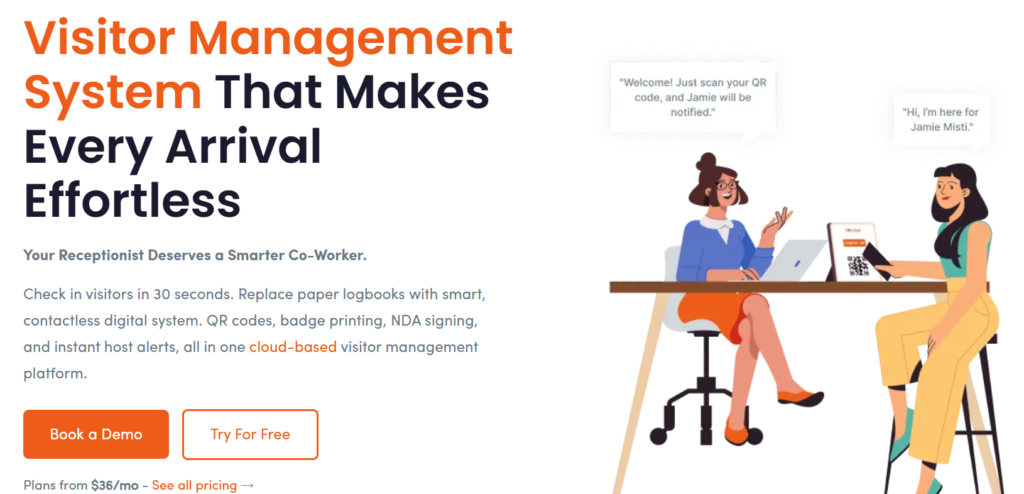
Vizitor is a workplace management platform that started as a visitor management system and is still strongly built around visitor check-in, host notifications, visitor logs, and front desk operations.
For multi-location organizations, Vizitor helps companies replace paper registers and scattered reception processes with a more structured visitor management system. Teams can manage visitor check-ins, digital records, approvals, host alerts, visitor forms, and site-level visibility across offices, branches, factories, clinics, and other business locations.
One of Vizitor’s strengths is flexibility. A corporate office can use it for guest check-ins, interview visitors, meeting visitors, NDA signing, and host notifications. A factory or warehouse can use it for vendor entries, contractor visits, blacklist checks, and outstay alerts. A clinic or branch office can use it to manage visitor flow along with queue handling.
Vizitor is also a good value-for-money option for growing companies. Many visitor management tools become expensive when you add more locations, workflows, notifications, and extra modules. Vizitor can be a practical fit for teams that want strong visitor management without immediately moving to a heavy enterprise platform.
Best for
Vizitor is best for growing multi-location companies that want a flexible and cost-effective visitor management system.
Key features
- Multi-location visitor management
- Digital visitor check-in and check-out
- QR code and kiosk-based visitor flows
- Host notifications
- Visitor records and centralized logs
- Custom visitor forms
- NDA signing
- Visitor approvals
- Blacklist management
- Outstay alerts
- Vendor and contractor entry tracking
- Queue management
- Delivery and mailroom tracking
Pricing
Vizitor pricing depends on the number of locations, modules, users, and setup requirements. Contact Vizitor for the latest pricing.
Where it may not be the best fit
Vizitor may not be the best fit if you only need a very basic visitor sign-in app with no need for approvals, alerts, visitor workflows, or operational modules.
As an added advantage, Vizitor can also expand into broader workplace management, including attendance, meeting rooms, desk booking, pantry, tickets, deliveries, and employee workflows.
5. Envoy
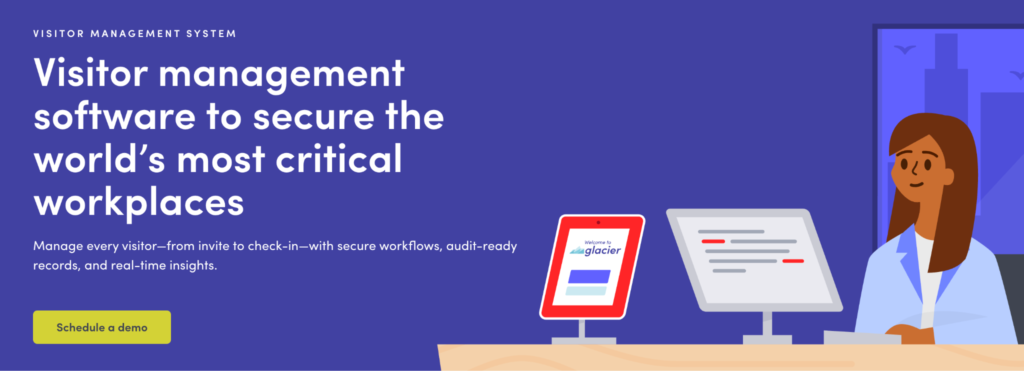
Envoy is one of the most recognizable names in visitor management, and for good reason. Over the years, the platform has evolved from a simple visitor sign-in tool into a comprehensive workplace platform used by thousands of organizations worldwide. Today, Envoy Visitors combines visitor management, security screening, workplace integrations, compliance features, and multi-location administration into one polished enterprise solution.
If your organization receives a high volume of visitors across multiple offices, Envoy provides a consistent and professional experience from the moment a visitor is invited to the moment they leave the building.
One of Envoy’s biggest strengths is also the maturity of its integration ecosystem. The platform integrates with a wide range of workplace and security tools, including Microsoft Teams, Slack, Outlook, Google Workspace, access control providers, identity platforms, Wi-Fi systems, and workplace management tools. For larger organizations, this can significantly reduce manual administration and create a more connected visitor experience.
Best for
Envoy is best for enterprise teams that want a polished visitor experience, strong integrations, and advanced security features.
Key features
- Multi-location management
- Custom sign-in flows
- Touchless check-in
- Visitor screening
- Badge printing
- Photo capture
- Legal document signing
- Host notifications
- Access control integrations
- Analytics and visitor logs
Pricing
Envoy sits on the more expensive side, with pricing starting at $362 per location/month when billed annually. Enterprise pricing is custom.
Where it may not be the best fit
Envoy can get expensive at scale. It is also iPad-only for kiosk check-in, which may increase hardware costs across multiple locations.
6. Sine
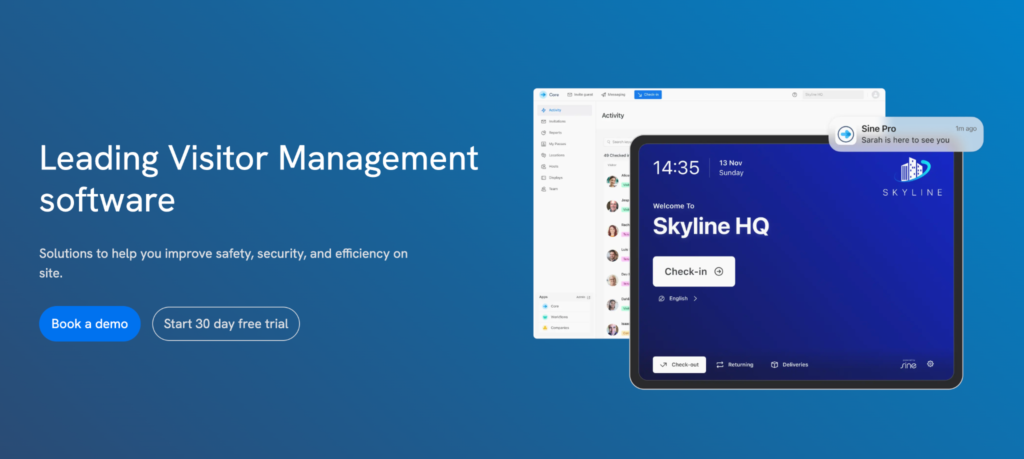
Originally developed in Australia and now part of Honeywell, Sine combines visitor management, contractor management, compliance tracking, and site access workflows in a single platform. While it covers all the visitor management basics, its biggest strength is helping organizations control who can access a site and ensuring required steps are completed before entry.
This makes Sine particularly attractive for industries such as construction, manufacturing, logistics, warehousing, healthcare, education, and critical infrastructure, where visitor management is often closely tied to safety and compliance requirements.
One of Sine’s more unique capabilities is geofencing. Visitors and contractors can check in using their mobile devices as they arrive on site, reducing reliance on front-desk kiosks and making the platform well-suited to outdoor worksites, warehouses, campuses, and distributed facilities.
Sine also performs well when it comes to multi-location deployments. Organizations can manage visitor and contractor activity across sites while allowing each location to maintain its own workflows, forms, approvals, and compliance requirements.
Best for
Sine is best for multi-site organizations that need visitor and contractor management, especially in safety-focused environments.
Key features
- Visitor and contractor check-in
- iPad kiosk check-in
- QR code check-in
- Badge printing
- Host notifications
- Legal document signing
- Live on-site lists
- Contractor workflows
- Geofencing
- Multi-site support
Pricing
Sine’s pricing is a little tricky to compare at first because its main pricing page shows plans as custom quoted. However, its visitor management page gives a clearer idea of the pricing structure, with plans starting from $69 per site per month (billed yearly) for limited features. One important detail to note is that Sine Workflows is sold as a separate add-on. Since workflows are one of Sine’s strongest features for compliance-heavy environments, this can increase the total cost depending on your setup.
Where it may not be the best fit
Sine may not be ideal if you want workflows included in the base plan, fully transparent total pricing, or an all-in-one office management platform.
7. VisitorOS
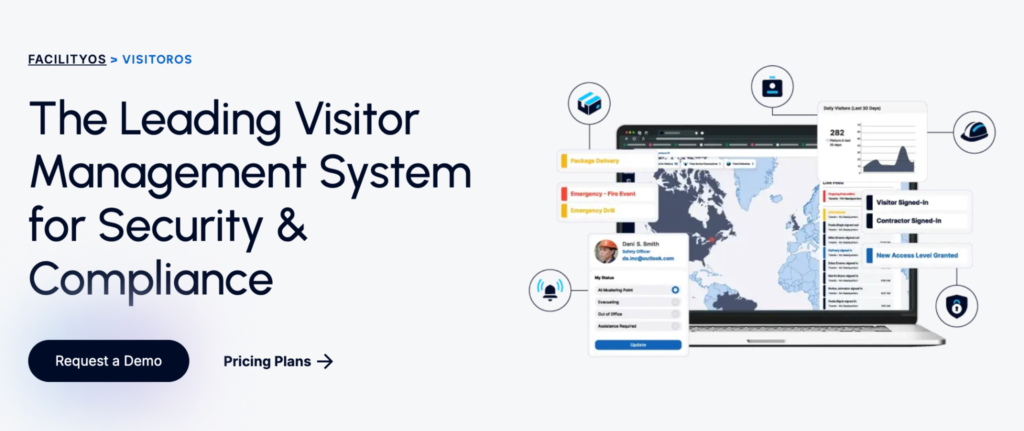
Part of the broader FacilityOS ecosystem, VisitorOS is designed for organizations where knowing exactly who is on-site, why they’re there, and whether they’ve completed the required security or compliance steps is critical. Rather than focusing solely on front-desk check-ins, the platform helps organizations manage visitors as part of a larger facility operations and risk management process.
This approach makes VisitorOS particularly popular with government agencies, manufacturers, healthcare organizations, pharmaceutical companies, critical infrastructure operators, data centers, and corporate campuses with stricter security requirements.
One of the biggest differences compared to most visitor management systems is the deployment model.
While many platforms expect you to source and manage your own hardware, VisitorOS provides managed iPads with Mobile Device Management (MDM), anti-theft mounts, pre-configured software, ongoing support, and hardware replacement services. For organizations that need consistency across multiple locations, this can significantly reduce deployment and maintenance overhead.
VisitorOS also integrates closely with other FacilityOS products, including contractor management, emergency management, delivery tracking, and facility operations tools. This allows organizations to manage visitors, contractors, deliveries, and emergencies from a connected platform rather than using multiple standalone systems.
Best for
VisitorOS is best for industrial facilities, government buildings, pharmaceutical companies, and other high-compliance environments.
Key features
- Managed iPad and kiosk hardware
- Pre-configured visitor management software
- Visitor pre-registration
- Host notifications
- Badge printing
- ID scanning
- Watchlist screening
- Active Directory and SSO
- Emergency and compliance workflows
- FacilityOS ecosystem integrations
Pricing
The Corporate plan starts at $199 per month and includes a managed 10.9-inch iPad, mobile device management, anti-theft mount, unlimited users and sign-ins, notifications, Active Directory integration, SSO, and secure hosting. The Enhanced plan starts at $275 per month and adds features like touchless sign-in, pre-registration, and badge printing.
Where it may not be the best fit
VisitorOS is not the simplest or cheapest option. If you run a standard office and just need visitor check-in across a few locations, the extra cost and setup may be more than you need.
How to choose the best multi-location visitor management software
Not every visitor management system is built for multi-location operations. Some tools let you add more than one site, but that does not always mean they are easy to manage at scale. If you are responsible for several offices, branches, campuses, or facilities, you need more than separate visitor logs for each location. You need one system that gives you central visibility, local flexibility, and consistent control across every site.
Before choosing a platform, focus on the features that will make multi-location management easier in practice:
Centralized administration
A strong multi-location visitor management system should give you one central place to manage visitor policies, user permissions, reports, notifications, security settings, and compliance records across all locations. This is especially important if your HQ, security team, HR team, or workplace team needs visibility into what is happening across the entire organization.
Location-specific workflows
Even if you want central control, each location may still need its own setup. Your headquarters may require NDAs, visitor badges, and VIP guest flows. A warehouse may need safety briefings, contractor approvals, and certification checks. A regional branch may need a simpler check-in process with local language support.
Automations and integrations
The more locations you manage, the more important automation becomes. Look for features that reduce manual work for reception, security, HR, and workplace teams. This may include pre-registration, QR code check-in, automatic host notifications, badge printing, digital forms, visitor reminders, delivery notifications, and automatic visitor sign-out.
You should also check how well the system connects with tools your team already uses, such as Microsoft Teams, Slack, Outlook, Google Workspace, access control systems, Wi-Fi, SSO, SCIM, and identity providers.
Security and compliance
If you operate in a regulated industry or manage sensitive facilities, you may need features such as visitor screening, identity verification, audit logs, NDA collection, watchlists, access control integrations, emergency alerts, and evacuation reporting.
It is also worth checking whether each location can follow its own security rules while still feeding data into a central reporting system.
Hardware and deployment options
Hardware can become a hidden challenge when you roll out visitor management across many locations. Some platforms only support iPads. Others support both iPads and Android tablets. Some vendors provide managed hardware, while others expect you to source and maintain your own devices.
If you are managing several branches, make sure you understand what devices are supported, who manages setup, what happens when hardware fails, and whether the platform supports cloud, private cloud, or on-premise deployment if needed.
Scalability
The system you choose today should still work when you add more locations later. Before committing, check how the platform handles new sites, new admins, new workflows, new regions, and higher visitor volumes. You should also understand the pricing model, especially if costs increase per location, per visitor, per employee, per kiosk, or through add-ons.
Which multi-location visitor management software should you choose?
The right choice depends on your locations, region, security needs, compliance requirements, and how much automation you want.
If you are based in the GCC and need Emirates ID scanning, passport scanning, Arabic language support, multi-branch visibility, and on-ground implementation, Entry2Exit is one of the most practical choices.
If you are running offices across multiple locations and want visitor management with strong automations, integrations, custom workflows, and easy administration, Archie is a strong option to consider.
For heavier compliance and security needs, Eptura, Envoy, Sine, and VisitorOS all bring strong capabilities, but the best choice depends on how complex your visitor workflows really need to be.
Author Bio:

Kruti Shah is a content writer and marketer at The Markehttps://themarketingdrama.com/ting Drama. She loves to write about insights on current trends in Technology, Business and Marketing. In her free time, she loves baking and watching Netflix. You can connect with her on Linkedin.
